Why I left Figma for Claude Code
🧠 Never misses a detail
Feed it context — meetings, feedback, decisions — and it remembers everything
⚡ Detailed prototypes, faster
Pixel-perfect UI with realistic scenarios in minutes, not hours
📄 Design + documentation simultaneously
Prototypes and feature specs generated in the same workflow
What we'll learn today
🧠 HOW TO HELP Claude Code
Never miss a detail
⚡ HOW TO HELP Claude Code
Craft detailed prototypes, faster
📄 HOW TO HELP Claude Code
Design + documentation simultaneously
🧠 How to help
Claude Code
Never miss a detail
Helping CC Never Miss a Detail
/transcribe-meeting command
Transcribes meetings to capture as much context as possible about the project
Custom CLAUDE.md
Customizes the project's CLAUDE.md so Claude has the right rules from the start
The compaction problem
Prevents Claude Code from losing important details during compaction
Start every session with context
Ensures every new session picks up exactly where the last one ended
Helping CC Never Miss a Detail /transcribe-meeting
/transcribe-meeting
A custom command that transcribes a meeting video, summarizes it with AI, and saves the meeting transcription as a markdown file.
Zoom Meeting
Requirements, kickoff, etc.
Whisper
Transcription
Gemini
Summary
Markdown File
Meeting summary
Helping CC Never Miss a Detail Custom CLAUDE.md
CLAUDE.md
Purpose of CLAUDE.md
A CLAUDE.md is a slim, imperative instruction file that lives in the root of your project. It tells Claude the rules, stack, and constraints for this specific project — Claude reads it before every task.

Example of CLAUDE.md
# SeedTrust Portal Prototype
UI/UX prototype for SeedTrust escrow portal. No backend.
## Domain Context
This is NOT a generic banking app. It's a surrogacy escrow compliance engine.
See PRODUCT.md for terminology, user roles, flows, and design patterns.
## Rules
- Read PRODUCT.md before any product work. Use its terminology exactly.
- Read DESIGN_RULES.md before any UI change. Do not write UI code without it.
- Update FEATURES.md after adding, changing, or removing any feature.
- Update PRODUCT.md when adding roles, flows, or terminology.
- No backend, no auth, no database, no complex state.
## Tech & Deploy
Stack: Vite + React + Tailwind CSS v4 + shadcn/ui
Deploy: npm run build && npx wrangler pages deploy dist
URL: https://seedtrust.pages.dev
Helping CC Never Miss a Detail PRODUCT.md
PRODUCT.md
Purpose of PRODUCT.md
A PRODUCT.md is a markdown file that lives in the root of your project. It's Claude's source of truth about what you're building — roles, flows, terminology, decisions. Claude reads it before every task.
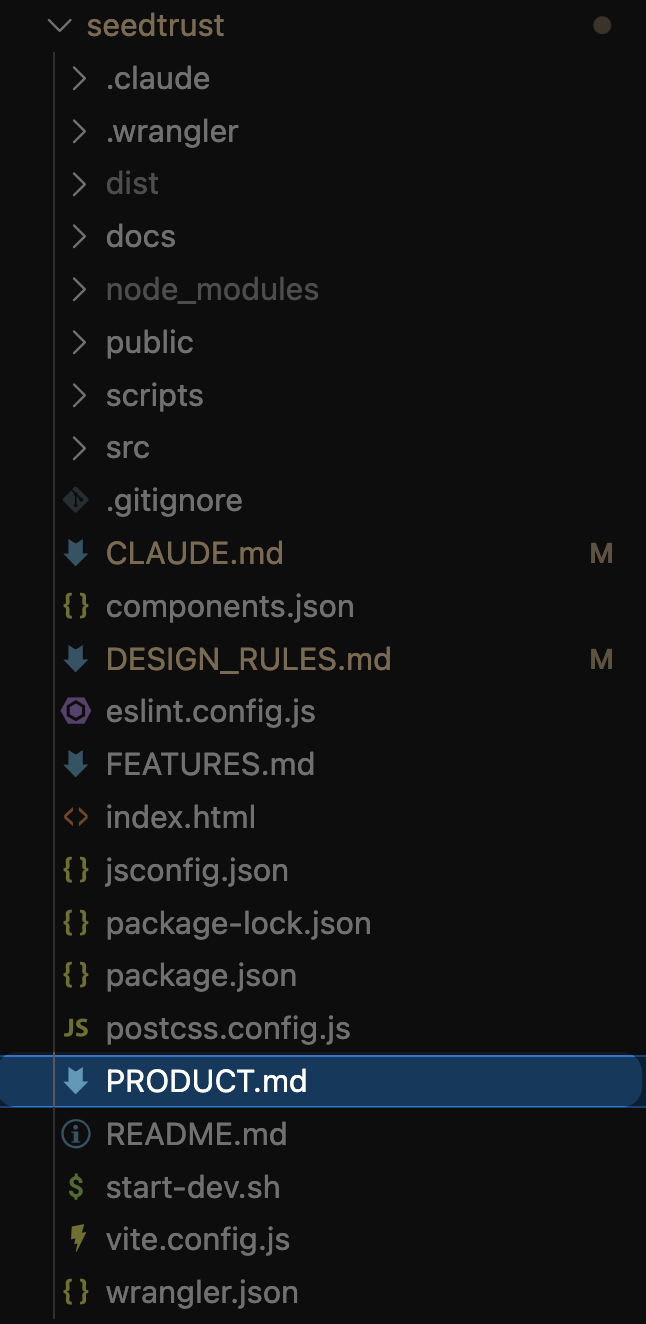
Example of PRODUCT.md
# SeedTrust Portal
What: Escrow management portal for surrogacy journeys
Client: SeedTrust
For: Intended parents, gestational carriers, egg donors, agencies, and internal staff
## Design Vision
Goal: Unified PWA serving two distinct user groups:
1. External Clients — IPs, GCs, Agencies (transparency-focused)
2. Internal Staff — Contracts, Payments, Management (productivity-focused)
Core UX Philosophy:
- Event-Driven UI: Interface reacts to surrogacy milestones
- Gamified Productivity: Staff dashboards focus on Velocity and Streaks
- Radical Transparency: Clients need visual timeline of money and journey
- Mobile-First for GCs: Easy receipt upload on mobile
## User Roles
IP (Intended Parent) — View-only financials, journey timeline
GC (Gestational Carrier) — Submit requests, upload receipts (mobile-first)
Egg Donor — Fast receipt upload, payment status (mobile-first)
Agency — Multi-case view, bulk operations, alerts
Internal: Contracts, Payments, Legal, Credit Card, Accounting, Super Admins
## Terminology
DR → Disbursement Request
IP → Intended Parent
GC → Gestational Carrier
Journey → Full surrogacy process (contract → birth)
Milestone → Contractual event triggering eligibility
Allowance → Budget category in contract
Case → One journey (IP + GC + Agency)
## Key Flows
GC Receipt Upload: Tap upload → Camera/file → Category → Amount → Submit DR
DR Approval: Queue → Review receipt → Approve/Reject → Batch ACH
Milestones: Contract Signed → Medical Clearance → Pregnant → Heartbeat → Birth
Helping CC Never Miss a Detail FEATURES.md
FEATURES.md
Purpose of FEATURES.md
A FEATURES.md is a living log of everything that's been built — what each feature does and why. Claude reads it to understand the current state of the product before adding or changing anything.
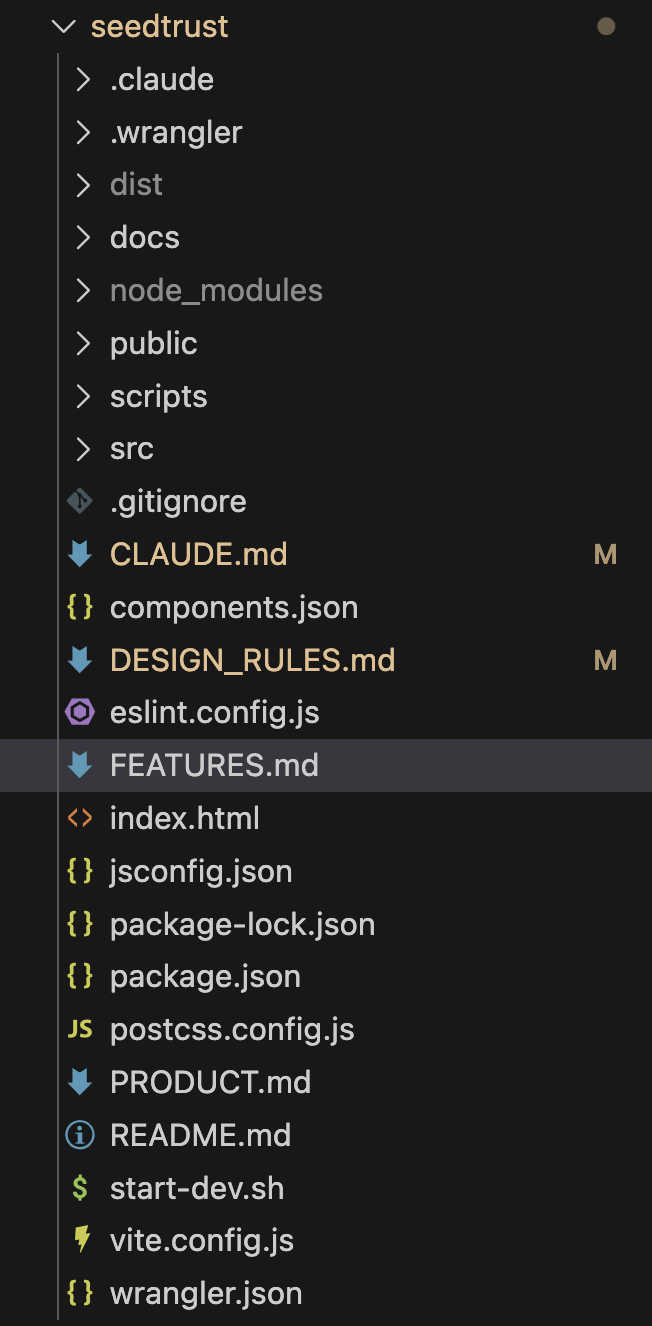
Example of FEATURES.md
# Features
Prototype — describes what the product does and why. /create-docs generates developer-facing documentation from this file.
## Admin Portal
Case Detail Page — Widget system (drag-and-drop), Payment Calendar, Create DR Dialog, GSA Upload Wizard, Case Overrides Panel
GSA Upload Wizard — Full-page wizard for uploading & parsing GSA contracts. Split-panel: doc preview left, parsed fields right. Source highlighting on hover.
Disbursement Types Editor — Program toggle (Surrogacy/Egg Donation), inline editing, bulk selection, category management, document import with diff view.
Template Library — Master templates assigned to agencies. Hierarchy: Master → Agency → Case Overrides.
## Client Portal
GC Portal — Mobile-first. Payment schedule, receipt upload, lost wages, contract questions chat.
Egg Donor Portal — Fast receipt upload, appointment confirmation, donation cycle timeline.
Agency Portal — Case list, per-case DR submission, 4-step wizard.
IP Portal — View-only. Balance overview, journey timeline, milestone progress.
## Changelog (recent)
2026-02-09 — Agency DR wizard (4-step: Case → Payee → Items → Review)
2026-02-09 — GC/Egg Donor shared DR wizard with role detection
2026-02-09 — Double-payment prevention on DR wizards
2026-02-05 — GSA Upload Wizard, Case Overrides Panel
2026-02-05 — Disbursement Types Editor + Template Library
2026-02-03 — Widget system, Payment Calendar Widget, Create DR Dialog
Helping CC Never Miss a Detail The Compaction Problem
Claude says it remembers.
It doesn't.
What gets lost:
Helping CC Never Miss a Detail The Compaction Problem
/pre-compact
Purpose of /pre-compact
A custom command that saves a snapshot of your current session state before Claude compacts. Writes to context-checkpoint.md so nothing is lost when the context window resets.
Example context-checkpoint.md
Working On
Building donor intake wizard - step 3 (document uploads)
Key Decisions
- Multi-step wizard over single form: better UX for 40+ fields
- Conditional fields: medical history flags certain conditions
Current State
Status: in progress
Key files: Step3.jsx, FileUpload.jsx
Next Steps
- [ ] Add photo requirements validation
- [ ] Connect step navigation
Open Questions
- Max file size for document uploads?
Helping CC Never Miss a Detail The Compaction Problem
/post-compact
Purpose of /post-compact
A custom command that restores your session state after Claude compacts. Reads context-checkpoint.md and picks up exactly where you left off — no re-explaining needed.
What it restores
1. Reads context-checkpoint.md
Loads the snapshot saved before compaction
2. Restores session state
What you were building, decisions made, files touched, next steps
3. Asks what to focus on
"What should we focus on?" — ready to continue immediately
Helping CC Never Miss a Detail The session problem
The session problem
Every new Claude Code session starts completely blank
👨💻
1st Working Session
✅ Built dashboard layout
✅ Decided on tab navigation
✅ Fixed card spacing
🌙
Close the session
Unwind, time with family,
go to sleep
👨💻
Next Day Working Session
🫤 CC: "What were we working on?"
😮 CC: "What decisions did we make?"
🤔 CC: "Which files did we touch?"
Helping CC Never Miss a Detail /save-session
/save-session
What it does
Persists everything before closing a session — so the next time you open Claude Code, you can pick up exactly where you left off.
What it saves
Session Log — Topics, decisions, action items
Project or Standalone — Appends to project log or creates dated file
Docs Update — Auto-updates PRODUCT.md and FEATURES.md
Northstar — Logs key career/business decisions
save-session.md
Phase 1 — Discover & Ask
Scan Session Logs/ for existing project logs
Ask: "Does this session belong to a project?"
Phase 2A — Append to Project Log
Prepend new entry to Docs/Session Logs/[project].md
Topics: main topics covered
Decisions: decisions made with rationale
Action Items: - [ ] tasks mentioned
Key Context: important details for future reference
Phase 2B — Standalone File
Creates Docs/Session Logs/YYYY-MM-DD-[topic].md
Phase 3 — Northstar
If key decisions were made, logs to Alfredo-Northstar.md
Phase 4 — Docs Update
Reads git diff + session meetings
Updates FEATURES.md with what was built and why
Updates PRODUCT.md with new roles, flows, terminology
Phase 5 — Cleanup
Deletes context-checkpoint.md and session-meetings.json
Helping CC Never Miss a Detail /load-context
/load-context
What it does
Restores full project context at session start. You select which meetings to load — Claude reads them and rebuilds everything it needs to continue.
What it loads
Session Logs — Recent work, decisions, open action items
Meeting Notes — User-selected transcribed meetings
CLAUDE.md + PRODUCT.md + FEATURES.md
Git History — Recent commits
load-context.md
Step 1 — Get project name
If argument provided, use it. Otherwise list Session Logs/ and ask user to pick.
Step 2 — Discover meetings
Read PRODUCT.md → extract Client name
List Docs/Meetings/ → filter by client name
Sort by date, newest first
Step 3 — Meeting selection
Ask user to pick meetings (multi-select)
Option: "All recent (top 3)"
Step 4 — Spawn agent (parallel)
- Read session log for project
- Read CLAUDE.md, PRODUCT.md, FEATURES.md
- Run git log --oneline -10
- Read selected meeting notes
- Save meeting list to session-meetings.json
Output → loaded-context.md
Recent Work · Meetings · Commits · Product Context
Current State · Open Action Items · Key Decisions
Helping CC Never Miss a Detail Summary
Putting it all together
Project Knowledge
CLAUDE.md
Rules, stack, constraints
PRODUCT.md
Roles, flows, terminology
FEATURES.md
What's built and why
During a Session
Working...
↓
Context window fills up
↓
/pre-compact — save snapshot
↓
/compact — Claude compresses
↓
/post-compact — restore & continue
Between Sessions
End of day
↓
/save-session — persist to Obsidian
↓
Close Claude Code
↓
Next day: open Claude Code
↓
/load-context — pick up where you left off
⚡ HOW TO HELP
Claude Code
Craft detailed prototypes, faster
Helping CC craft better prototypes frontend-design skill
The frontend-design skill
Purpose of frontend-design
A frontend-design skill guides Claude to create distinctive, production-grade frontend interfaces that avoid generic "AI slop" aesthetics. It commits Claude to a bold aesthetic direction and steers it to implement real working code with exceptional attention to visual detail.
frontend-design/SKILL.md
Design Thinking Process
Before coding, commit to a BOLD aesthetic direction:
Brutally minimal · Maximalist chaos · Retro-futuristic
Luxury/refined · Playful/toy-like · Editorial/magazine
Brutalist/raw · Art deco/geometric · Industrial/utilitarian
Typography
- Choose fonts that are beautiful, unique, and interesting
- Avoid generic fonts (Arial, Inter)
- Pair a distinctive display font with a refined body font
Color & Theme
- Commit to a cohesive aesthetic with CSS variables
- Dominant colors with sharp accents outperform timid palettes
Motion
- Staggered reveals, scroll-triggering, hover states that surprise
- CSS-only for HTML · Motion library for React
Anti-Patterns — NEVER use:
- Overused fonts (Inter, Roboto, Arial, system fonts)
- Purple gradients on white backgrounds
- Predictable layouts and cookie-cutter components
Key Principle
Don't hold back — show what can truly be created when committing fully to a distinctive vision.
Helping CC craft better prototypes DESIGN_RULES.md
DESIGN_RULES.md
Purpose of DESIGN_RULES.md
A DESIGN_RULES.md is your design system in Claude's language. It lives in the project root and tells Claude exactly how to build UI — spacing, components, patterns, and an audit checklist. Claude reads it before writing any UI code.
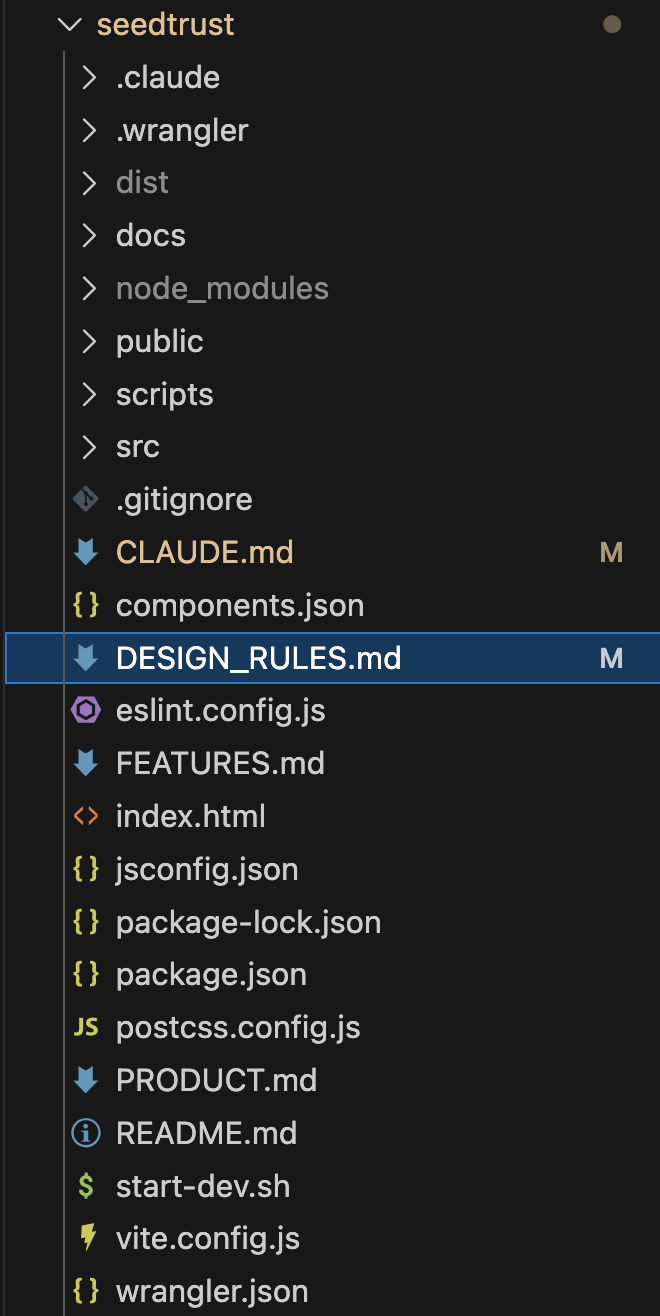
Example of DESIGN_RULES.md
# Design System Rules
Guidelines for building consistent UI components using Shadcn UI.
## Spacing
- Never hardcode pixel values — always use Tailwind utilities
- All spacing on Tailwind's 4px grid
- Prefer gap-* over space-* in flex/grid layouts
## Cards
Card · CardHeader · CardTitle · CardDescription · CardContent · CardAction
- Nested cards use reduced padding/gap per density hierarchy
- Collapsible: entire CardHeader must be the trigger
- NEVER add padding classes to Card, CardHeader, or CardContent
## Inline Editing
- Toggle between static element and InputGroup with save/cancel
- Use draft state — only commit on save, discard on cancel
- Enter saves, Escape cancels
## Less Is More
- Ask: "does this add info the user doesn't already have?" If not, skip it.
- Fewer elements with clear purpose beats more that explain each other
## Self-Check Audit
- Nested cards use reduced padding/gap?
- Collapsible cards have no extra padding?
- CardHeader gap fix applied in card.jsx?
Helping CC craft better prototypes
Tweaks & recommendations
Use Tailwind CSS
Claude writes better UI with utility classes than custom CSS — fewer hallucinations, consistent output
"Less Is More" rule
Every DESIGN_RULES.md includes this: "Before adding any UI element, ask: does this add info the user doesn't already have?"
Self-Check audit
Checklist at the bottom of every DESIGN_RULES — Claude runs it before delivering
📄 HOW TO HELP
Claude Code
Design + document simultaneously
Design + docs simultaneously
The traditional problem
One Session.
Design + docs simultaneously
Design is documenting
You say:
"Build the donor intake wizard with multi-step form, document uploads, and conditional fields"
UI Built
Working multi-step wizard with all states
FEATURES.md Updated
Feature entry + design reasoning + user stories
PRODUCT.md Updated
New flow added to Key Flows section
Design + docs simultaneously /create-docs
/create-docs
Purpose of /create-docs
Reads your blueprint files and generates a full Starlight (Astro) documentation site. Product/UX docs, not technical READMEs — describes what to build and why, so any developer can pick it up.
Reads from
PRODUCT.md — overview, roles, flows, terminology
FEATURES.md — features, design reasoning, user stories
DESIGN_RULES.md — design context (optional)
How /create-docs works
## Step 1: Read Blueprints
Read FEATURES.md, PRODUCT.md, DESIGN_RULES.md from project root
## Step 2: Setup
Scaffold a Starlight (Astro) site in docs/ if it doesn't exist
## Step 3: Plan Structure
Analyzes blueprints to choose the best org for this project:
- Web portals → admin + client split
- Mobile apps → views + services
- Simple apps → domain areas
## Step 4: Capture Screenshots
Screenshots prototype screens, embeds as visual refs in docs
## Step 5: Generate Pages
Behavior descriptions, design decisions, user stories, business rules
No code. No tech stack. No file paths.
## Step 6: Deploy (optional)
Cloudflare Pages via GitHub Actions workflow
Helping CC Never Miss a Detail The Compaction Problem
More tweaks
Separate CLAUDE.md per project
Each project/context gets its own rules — webapp rules differ from iOS rules
Keep CLAUDE.md slim
Bullets not prose. No duplication. No obvious info. Claude reads it every message.
Use imperative prompts
"Build X" not "Can you help me with X?" — direct commands get better results
Structure files as Claude's knowledge base
PRODUCT.md, FEATURES.md, DESIGN_RULES.md — Claude reads these before every task